
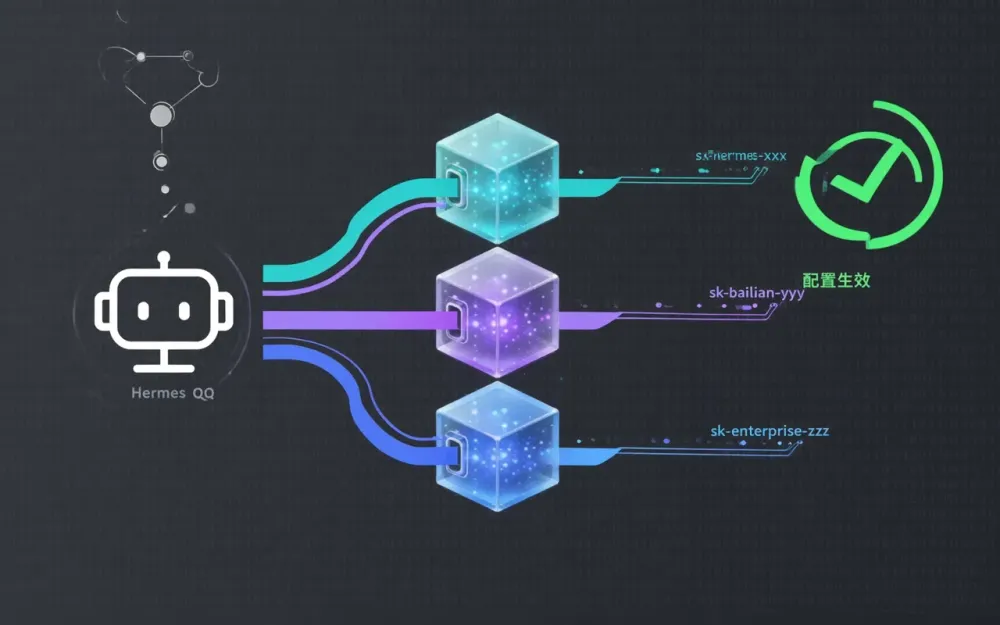
近期在部署 AI Agent 项目时,遇到一个典型的 401 API Key 报错问题——Key 明明有效却一直被拒绝。经过排查,发现是阿里云百炼多套套餐的端点隔离机制与 Hermes Agent 的...
近期在部署 AI Agent 项目时,遇到一个典型的 401 API Key 报错问题——Key 明明有效却一直被拒绝。经过排查,发现是阿里云百炼多套套餐的端点隔离机制与 Hermes Agent 的自动检测逻辑冲突导致的。本文完整记录排查过程和正确配置方案,供有类似需求的朋友参考。
问题现象
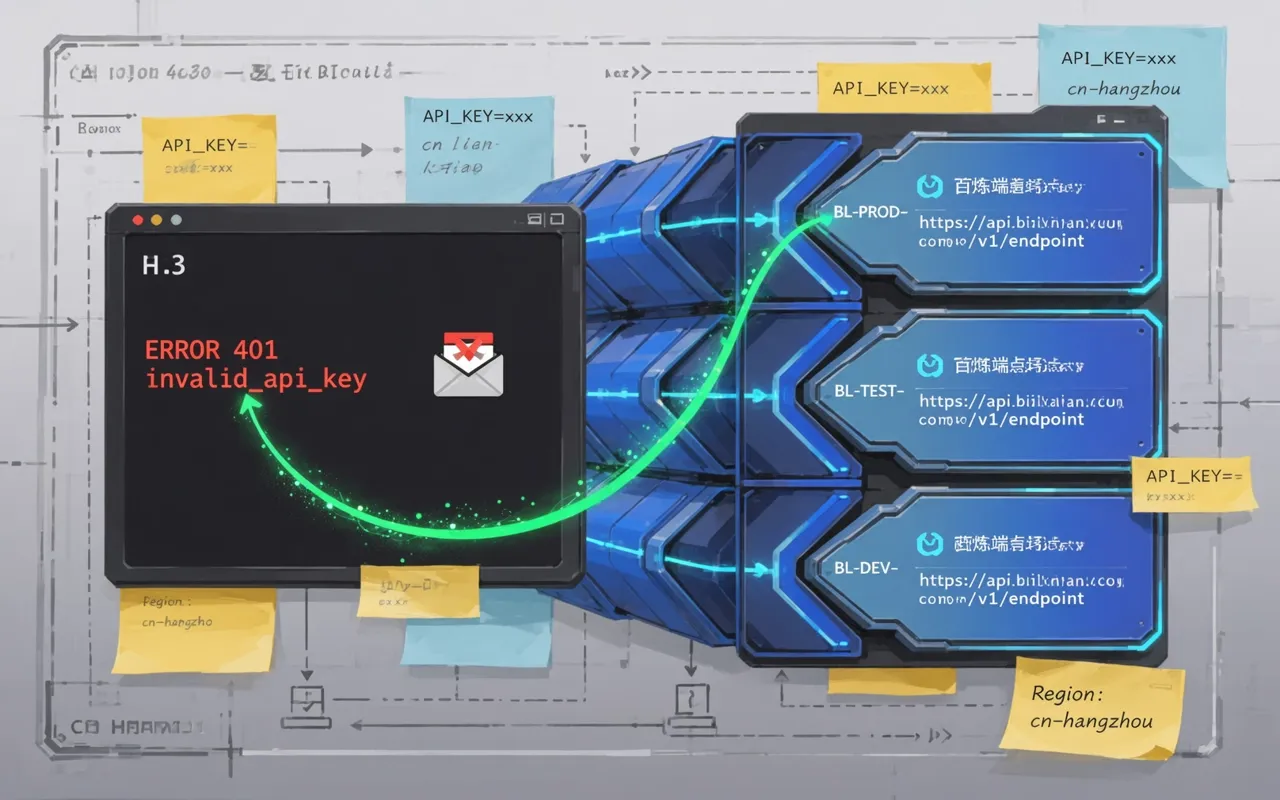 Hermes Agent 接入阿里云百炼 Coding Plan 完整指南 - 内配图
向 Hermes QQ 机器人发送消息后,机器人回复失败,日志显示:
ERROR root: Non-retryable client error: Error code: 401 -
{'error': {'message': 'Incorrect API key provided.', 'code': 'invalid_api_key'}}
表面看起来是 API Key 无效,但实际 Key 完全有效。问题出在请求的端点不对。
百炼三套套餐端点互不相通
阿里云百炼提供三种付费套餐,各自的 API Key 前缀和请求端点不同:
| 套餐 | API Key 前缀 | 请求端点 |
|------|-------------|----------|
| Coding Plan | sk-sp- | https://coding.dashscope.aliyuncs.com/v1 |
| 标准版(按量付费) | sk- | https://dashscope.aliyuncs.com/v1 |
| Token Plan 团队版 | sk-tp- | https://token-plan.cn-beijing.maas.aliyuncs.com/compatible-mode/v1 |
三种套餐的 Key 和端点互不相通,用错端点就会报 401。
问题根因:Hermes 的 Provider 自动检测陷阱
Hermes Agent 的 resolve_provider("auto") 函数检测到 DASHSCOPE_API_KEY 环境变量存在时,会自动选择 alibaba provider(标准版),而不是 alibaba-coding-plan。
alibaba provider 的默认端点是国际版 dashscope-intl.aliyuncs.com,而 Coding Plan 的 Key 只能在 coding.dashscope.aliyuncs.com 上使用。Key 是对的,但端点错了,自然 401。
此外,即使配置了 ALIBABA_CODING_PLAN_BASE_URL 环境变量,由于 provider 没有被解析为 alibaba-coding-plan,这个环境变量也不会被读取。
还有个小坑:Hermes 会将失败的凭证缓存到 auth.json 文件里,即使后续修复了配置,旧的缓存仍可能导致问题。
三种常见错误配置
只用环境变量:Hermes 会自动选 alibaba 而非 alibaba-coding-plan,环境变量覆盖无效。
模型名带 provider 前缀:写成 alibaba-coding-plan/qwen3.6-plus 也没用,Hermes 仍然走 auto 检测选 alibaba。
用 qwen3-coder-plus 临时绕过:虽然能在 coding 端点上用,但它是编程专用模型,不适合通用对话场景。
正确配置方案:使用 custom provider
推荐做法是直接使用 custom provider,绕过所有自动检测逻辑:
# ~/.hermes/config.yaml
model:
  provider: custom
  base_url: https://coding.dashscope.aliyuncs.com/v1
  api_key: sk-sp-xxx
  default: qwen3.6-plus
配置命令如下:
hermes config set model.provider custom
hermes config set model.base_url https://coding.dashscope.aliyuncs.com/v1
hermes config set model.api_key YOUR_API_KEY
hermes config set model.default qwen3.6-plus
配置完成后,还需要清理凭证缓存并重启 Gateway:
# 清理凭证缓存
python3 -c "
import json
path = '/root/.hermes/auth.json'
with open(path) as f:
    data = json.load(f)
data['credential_pool'] = {}
data['providers'] = {}
with open(path, 'w') as f:
    json.dump(data, f, indent=2)
"

# 重启 Gateway
hermes gateway stop && sleep 3 && hermes gateway
验证方法
配置完成后,可以通过 curl 直接测试端点连通性:
curl -s https://coding.dashscope.aliyuncs.com/v1/chat/completions \
  -H "Authorization: Bearer YOUR_API_KEY" \
  -H "Content-Type: application/json" \
  -d '{"model":"qwen3.6-plus","messages":[{"role":"user","content":"hi"}],"max_tokens":50}'
返回正常 JSON 回复即说明配置正确。
关键要点总结
- provider 必须设为 custom,auto 模式下 alibaba-coding-plan 不会被选中
- base_url 必须包含 /v1 后缀
- api_key 必须写进 config.yaml,仅靠环境变量不够
- 记得清理 auth.json 中的旧凭证缓存
- qwen3.6-plus 在 Coding Plan 上完全支持,无需降级使用 qwen3-coder-plus
💡 需要定制方案? 联系我们获取免费报价 →
📖 延伸阅读